docker run hello-world
sudo docker run hello-world2 Dev-Ops for Data Scientists
Wifi: Posit Conf 2024
Password: conf2024
2.1 Logistics
🛜 WiFi credentials:
Network:
Posit Conf 2024Password:
conf2024Important locations:
- Bathrooms: There are gender-neutral bathroom on levels 3, 4, 5, 6 & 7.
- Meditation/prayer room: 503 (available Mon & Tues 7am - 7pm, and Wed 7am - 5pm)
- Mothers room: 509 (same timings as above)
2.2 Logistics
- Participants who do not wish to be photographed have red lanyards; please note everyone’s lanyard colors before taking a photo and respect their choices.
- The Code of Conduct and COVID policies can be found at https://posit.co/code-of-conduct/. Please review them carefully. You can report Code of Conduct violations in person, by email, or by phone. Please see the policy linked above for contact information.
2.3 Code of Conduct
- Everyone who comes to learn and enjoy the experience should feel welcome at posit::conf. Posit is committed to providing a professional, friendly and safe environment for all participants at its events, regardless of gender, sexual orientation, disability, race, ethnicity, religion, national origin or other protected class.
- This code of conduct outlines the expectations for all participants, including attendees, sponsors, speakers, vendors, media, exhibitors, and volunteers. Posit will actively enforce this code of conduct throughout posit::conf.
https://posit.co/code-of-conduct/
2.4 Meet the Team!!
. . .

2.5 Solutions Engineering at Posit!
Posit’s Solutions Engineering team aims to shrink the distance between the needs of Posit’s customers and our Pro and Open Source offerings, leading with curiosity and technical excellence.
Our customer-facing work helps our customers deploy, install, configure, and use our Pro products.
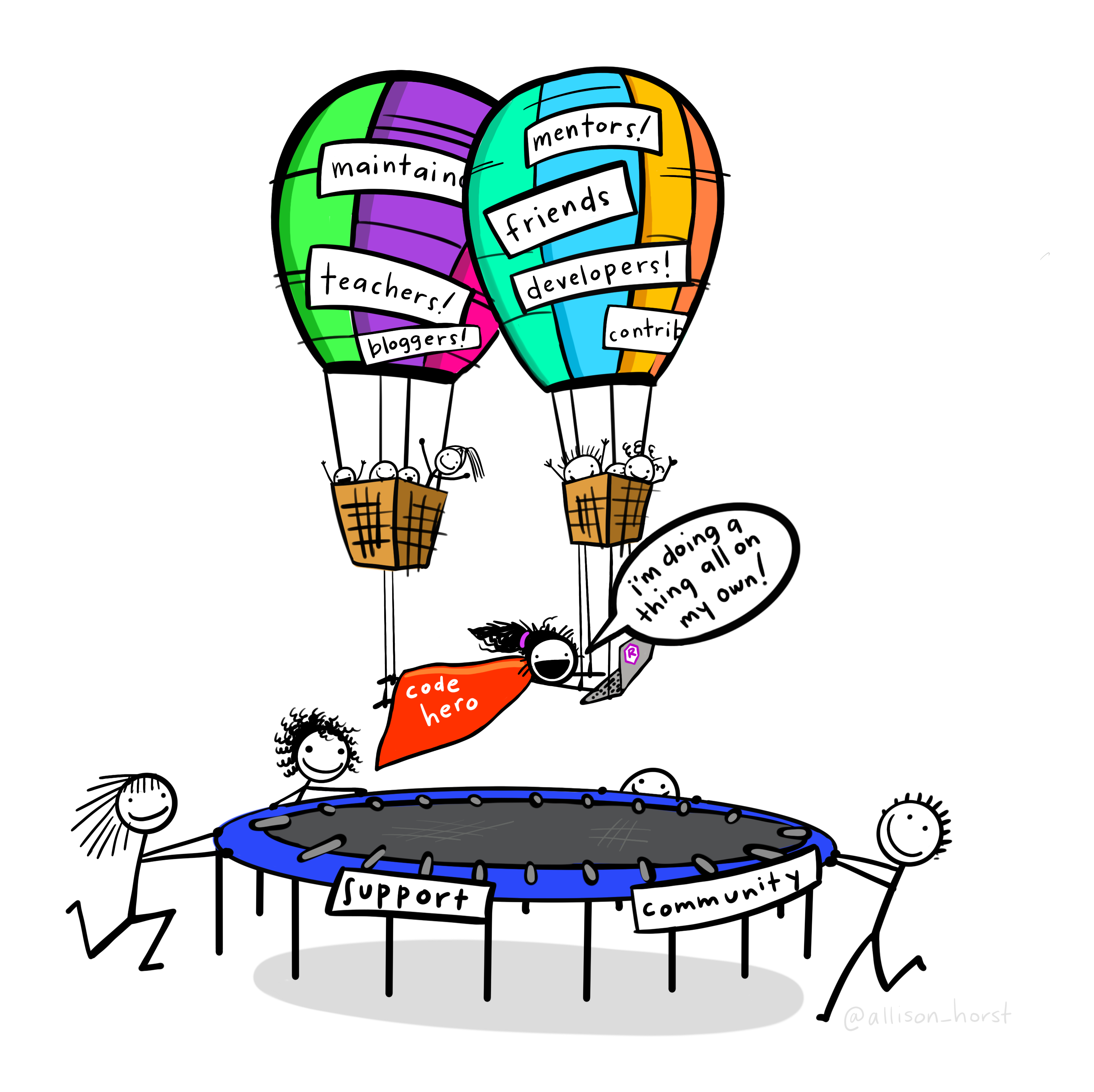
2.6 Special Thanks to Alex Gold & Allison Horst!

2.7 💬 Who are you?
What problem can dev-ops help you solve?
Are there dev-ops or security teams at your org?
How do data scientists interact with those teams?
Gnarliest data set???
2.8 Agenda
| Time | Activity |
|---|---|
| 9:00 - 10:30 | Section 1 & 2: Introduction & Logistics & Best Practices |
| 10:30 - 11:00 | Coffee break ☕ |
| 11:00 - 12:30 | Section 2 & 3: Best Practices & Getting to Production |
| 12:30 - 1:30 | Lunch break 🥪 |
| 1:30 - 3:00 | Section 2 & 3: Best Practices & Getting to Production |
| 3:00 - 3:30 | Coffee break ☕ |
| 3:30 - 5:00 | Section 4: Post-production |
2.9 The Sticky Situation
🟥 - I need help
🟩 - I’m done
2.9.1 👨💻Put your sticky note on the back of your laptop screen 👩💻
2.10 Workshop approach
- Short Exercises ✏️
- Class Discussions 💬
- Config & Code examples 🔍 ️
2.11 Languages & IDEs


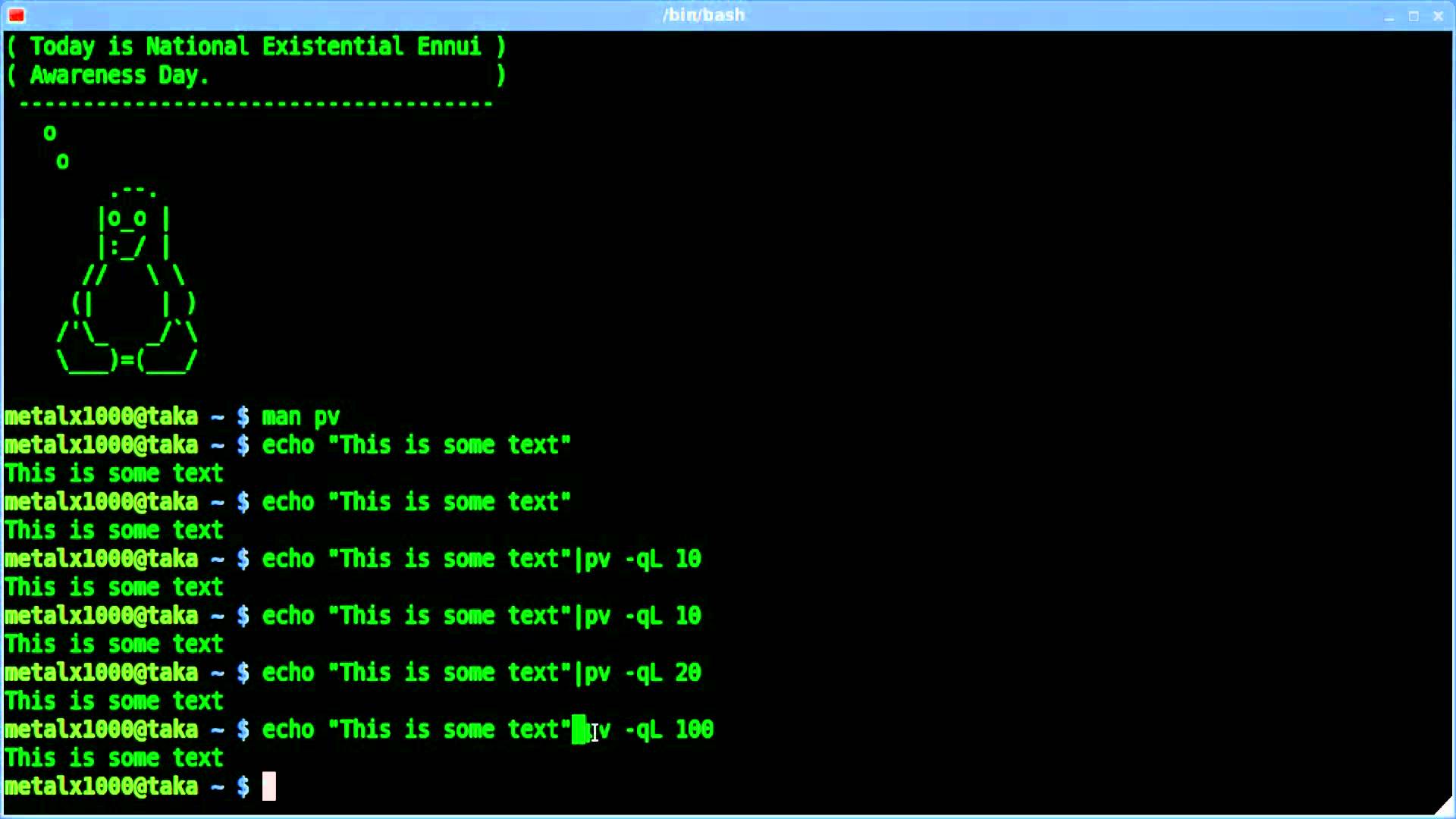
Use terminal in whichever IDE you’re most comfortable
We will be switching between R, Python, YAML, & bash code
2.12 Survey results: Top Topics Requested
- Overall Best Practices
- Automating Deployment with CI/CD
- App Deployment
- Working with dev-ops Teams
- Environment Reproducibility
2.13 What we won’t cover
- How to become a dev-ops engineer
- In-depth security
- We will cover Docker but this is not a Docker course
- We will cover CI/CD but this is not a CI/CD course
2.14 Submit questions and respond to polls here
Discord - #workshop-dev-ops

2.15 Course Materials
Tip
To render a QMD document locally call quarto render from the same directory as the file!
2.16 Appendix
Common linux, docker, bash commands
Additional resources and topics for learning
Tool and platform recommendations by topic
Optional exercises
Recommended books, articles
2.17 Workshop Server Environments
| Software | Link | Credentials |
|---|---|---|
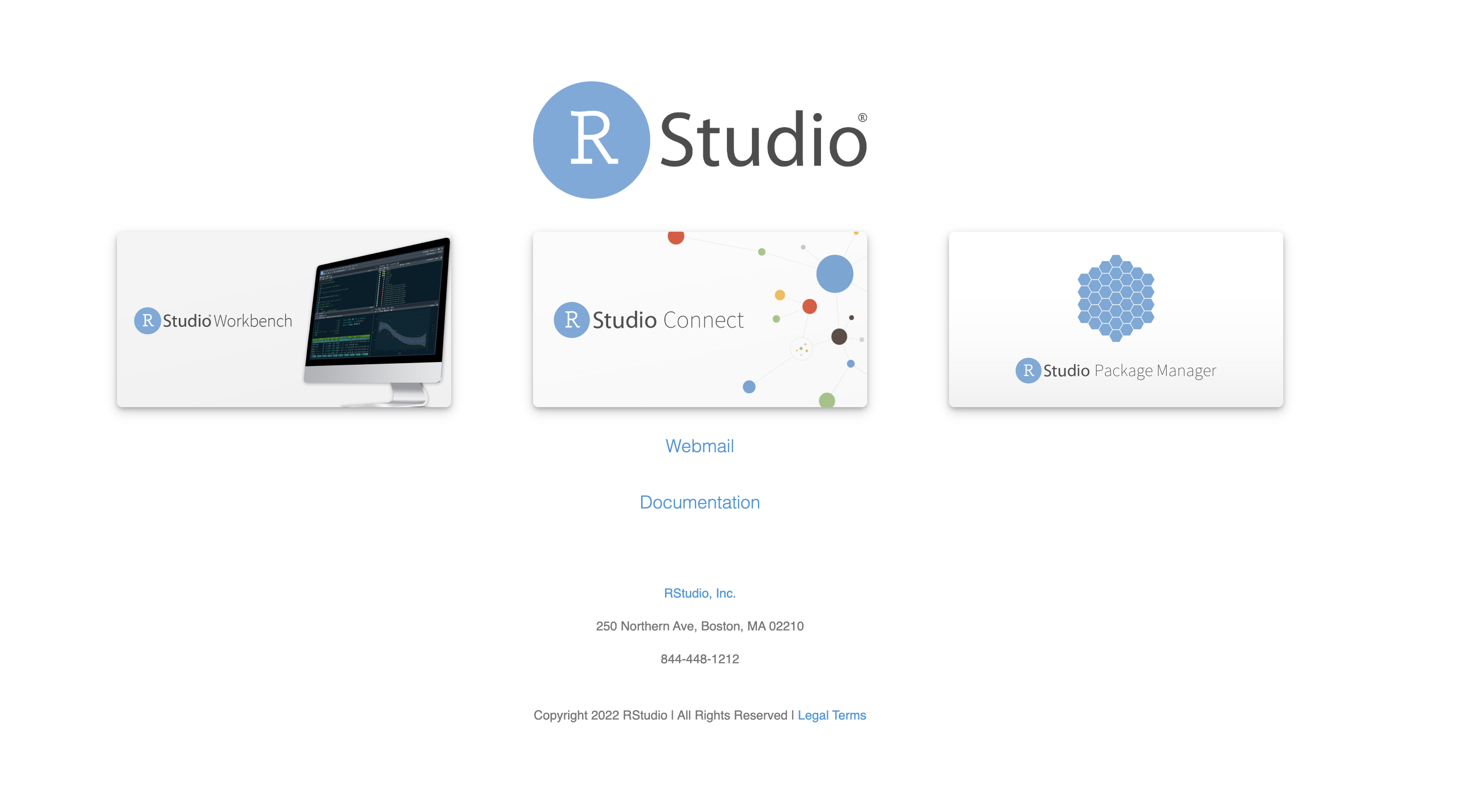
| Posit Workbench & Connect | http://pos.it/class | Classroom ID: dev-ops |
| Docker Classroom | https://labs.play-with-docker.com/ | Docker Hub username & password |
2.18 Dataset Overview
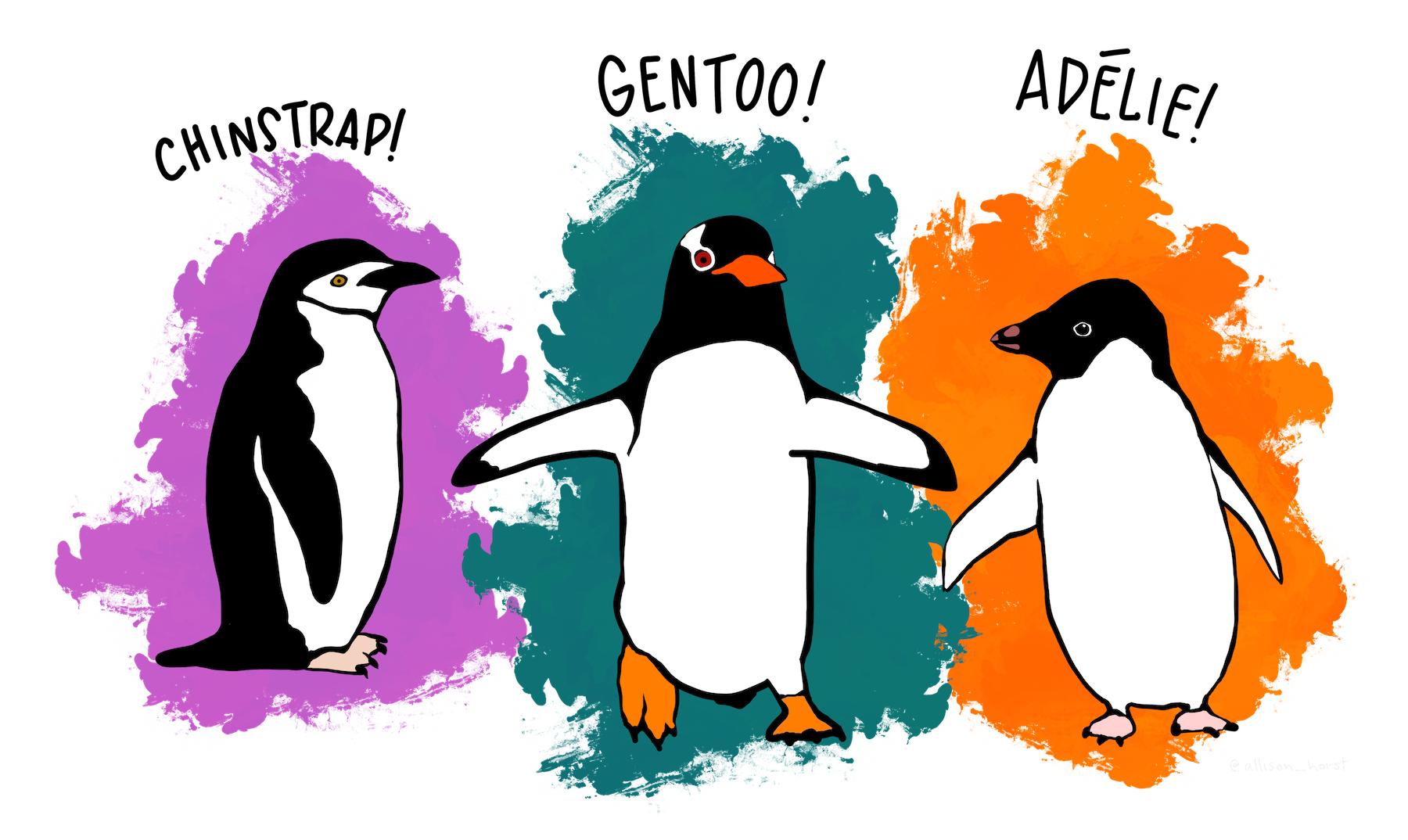
- The
palmerpenguinsdata contains size measurements for three penguin species observed on three islands in the Palmer Archipelago, Antarctica.
glimpse(penguins)

#> Rows: 344
#> Columns: 8
#> $ species           <fct> Adelie, Adelie, Adelie, Adelie, Adelie, Adelie, Adel…
#> $ island            <fct> Torgersen, Torgersen, Torgersen, Torgersen, Torgerse…
#> $ bill_length_mm    <dbl> 39.1, 39.5, 40.3, NA, 36.7, 39.3, 38.9, 39.2, 34.1, …
#> $ bill_depth_mm     <dbl> 18.7, 17.4, 18.0, NA, 19.3, 20.6, 17.8, 19.6, 18.1, …
#> $ flipper_length_mm <int> 181, 186, 195, NA, 193, 190, 181, 195, 193, 190, 186…
#> $ body_mass_g       <int> 3750, 3800, 3250, NA, 3450, 3650, 3625, 4675, 3475, …
#> $ sex               <fct> male, female, female, NA, female, male, female, male…
#> $ year <int> 2007, 2007, 2007, 2007, 2007, 2007, 2007, 2007, 2007…2.19 How your dev environment works
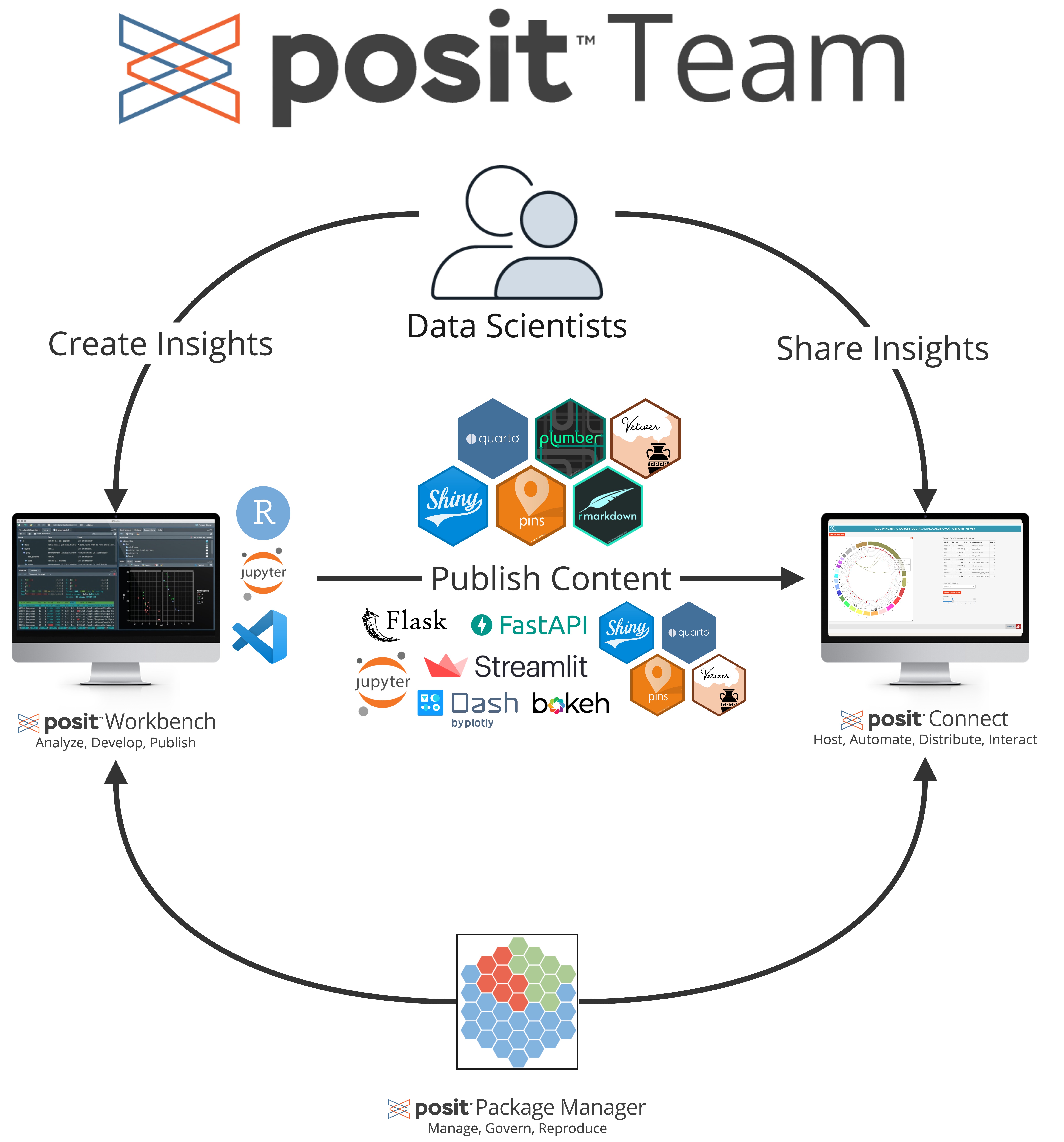
2.20 Access Docker 2-ways
- In your IDE terminal
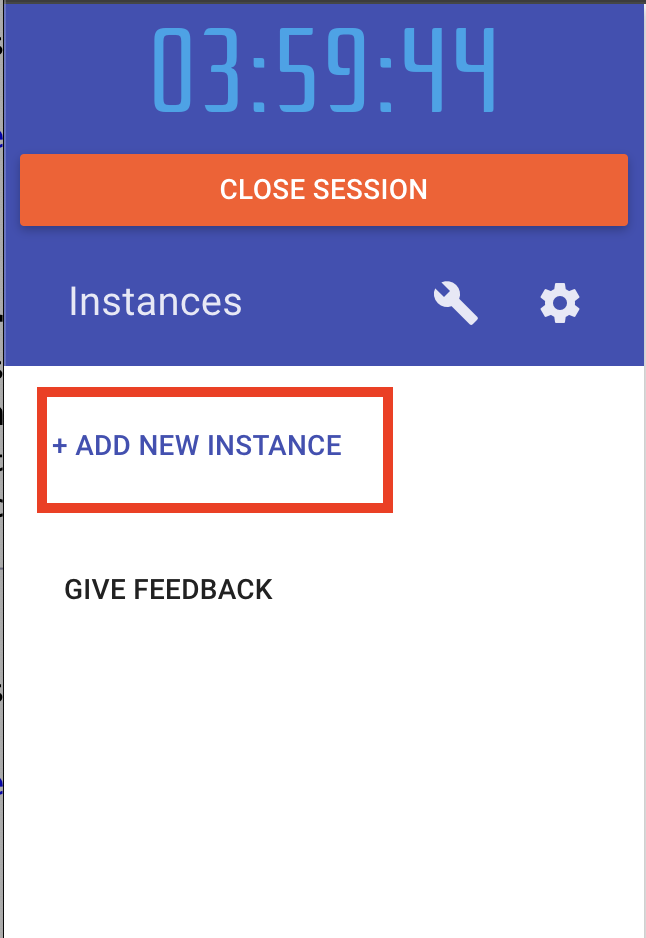
- Docker Classroom (online version) - https://labs.play-with-docker.com/
2.21 Docker Classroom
2.22 Try them on! 👟
. . .
2.23 Test out your environment
2.24 Let’s Get to Work!